I am collecting the hardware and software from my past to preserve and show-display them in my home office for my personal pleasure. I have grown up with an Amiga 500 and an Amiga 2000, then later a 486/60MHz and later a Pentium with 200MHz. Especially the Amiga 500 has gotten me to start playing with computers, explore a word processor as a kid, and play games – adventure games were my favorite, next to games for building stuff. No wonder Monkey Island, Loom, Sim City are my favorites – to this date.
I keep two Amiga near me as real hardware, one in its original state (aside from required changes such as the battery) and one with a Gotek and memory extension for pushing the limits and fun; plus a number or original big box games with the original floppy disks. The physical disks are my biggest worry – while most of them are still fine and can be read, I am trying to preserve the disks – or better, their contents. I am still playing these games, but don’t want to use the original disks too often. I have tried downloading images off the internet of versions of the game that had copy protection removed. They come with weird intros in the beginning that show these aren’t the original games. Whoever cracked the games added their intros, irrespective of whether or not cracking was involved or not. Some of the games I loved, don’t have physical copy protection but have code wheels or manual-based copy protection – and don’t require cracking. Yet, the ADF files and backup copies you find on the Internet, have the “cracked by..” intros – highly annoying.
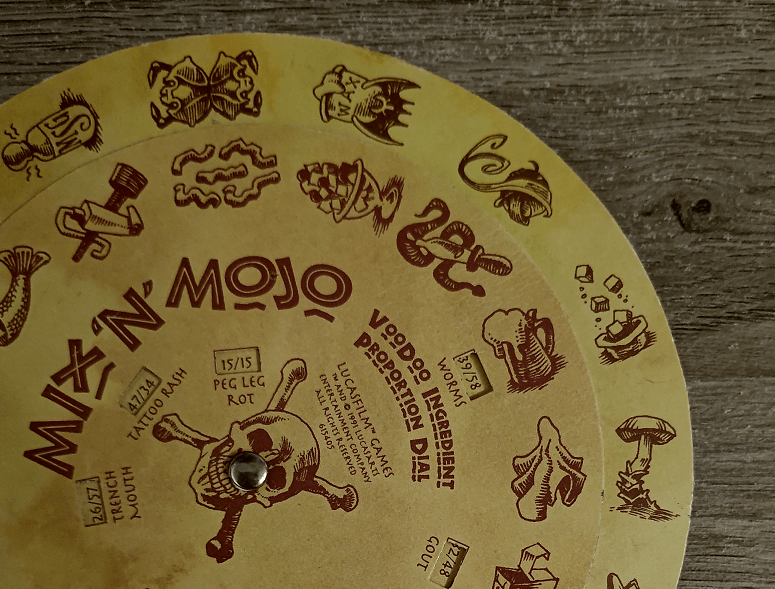
I’d love to play with my original disks, without the intros of cracking collectives – but without wearing out my real, physical disks. So – how do I do it? One way of doing that, next to keeping the original disksprotected, is converting the contents into an image file, that can be used to create a new physical disks, or use it with a device that can read the image file.
My playground Amiga has a Gotek drive that replaces an Amiga’s internal floppy drive (or depending on the ROM version, serves as an external drive you can boot off from), that can treat the image files as “virtual disk”. The drive mounts one of the image files and presents that to the Amiga as a disk. One of the possible image formats is the Amiga Disk File (ADF).

There’s multiple ways of doing it – one of the cheapest ways must be buying a nullmodem cable and connecting a PC with the Amiga (via a serial connection) and using Amiga Forever’s Amiga Explorer to transport the data. For a few Euros, the software allows for reading physical disks on the Amiga and transporting the contents via serial connection to the PC and storing it in the ADF format. Or vice versa – copying an ADF image file from the PC via serial to a formatted disk on the Amiga. It’s documented here: Amiga Explorer – Homepage (amigaexplorer.com) (amigaforever.com)
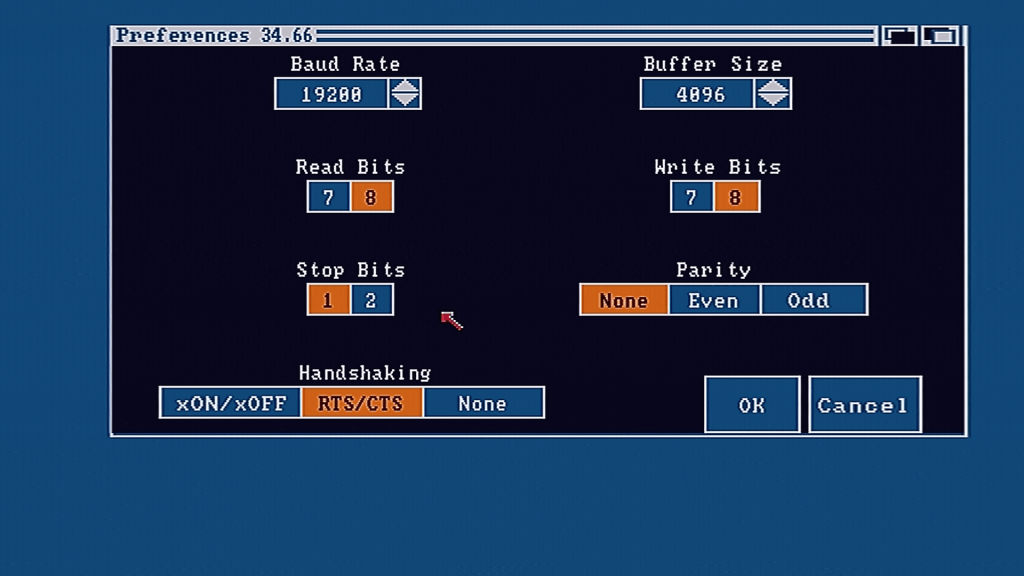
Once you have the software, all you’ll need is the nullmodem cable and, if you have a modern PC, a USB-serial adapter that works with Windows 10 or 11 – and you can start. Amiga Explorer copies code over serial to the Amiga that then is executed from the RAMDisk – making it possible to do the disk<->ADF conversion between Amiga and PC.
You need some patience, because a disk copy or write process is based on the serial connection – and takes around 10 minutes.
So that allowed me to:
- Archive my original disks and turn them into ADF images – into cloud storage
- Move the ADF image back onto a new, formatted disk, without needing to read/play from the original, without compromises
- Use the ADF and copy it onto a USB drive, for use with a Gotek device to play from that.
…and I can keep the original disks safe in their boxes 🙂

 FRICKELSOFT